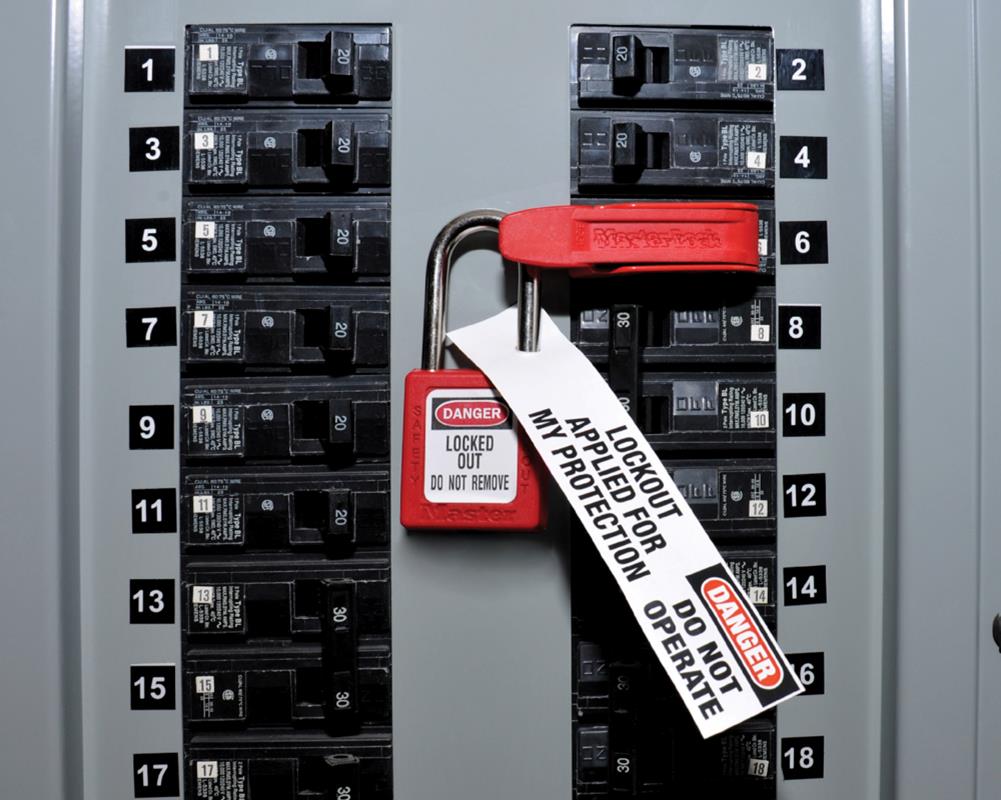
A technician reaches into a jammed conveyor belt. The machine hasn’t moved in hours—seems safe. But someone resets a circuit breaker two floors away. The belt lurches to life. In seconds, a life is changed forever.
This isn’t hypothetical. It happens—more often than you’d think. And in nearly every case, the root cause traces back to one missing step: a properly filled-out lockout tag out (LOTO) form.
The LOTO form isn’t bureaucracy. It’s a legal, operational, and ethical requirement designed to isolate hazardous energy sources before maintenance or servicing. Yet, in high-pressure environments—factories, power plants, manufacturing lines—it’s often rushed, incomplete, or ignored.
Let’s fix that.
What Is a Lockout Tag Out Form?
A lockout tag out form is a documented procedure used to ensure machines or equipment are completely shut down and isolated from all energy sources before maintenance work begins. It’s part of a broader energy control program mandated by OSHA (Occupational Safety and Health Administration) under standard 29 CFR 1910.147.
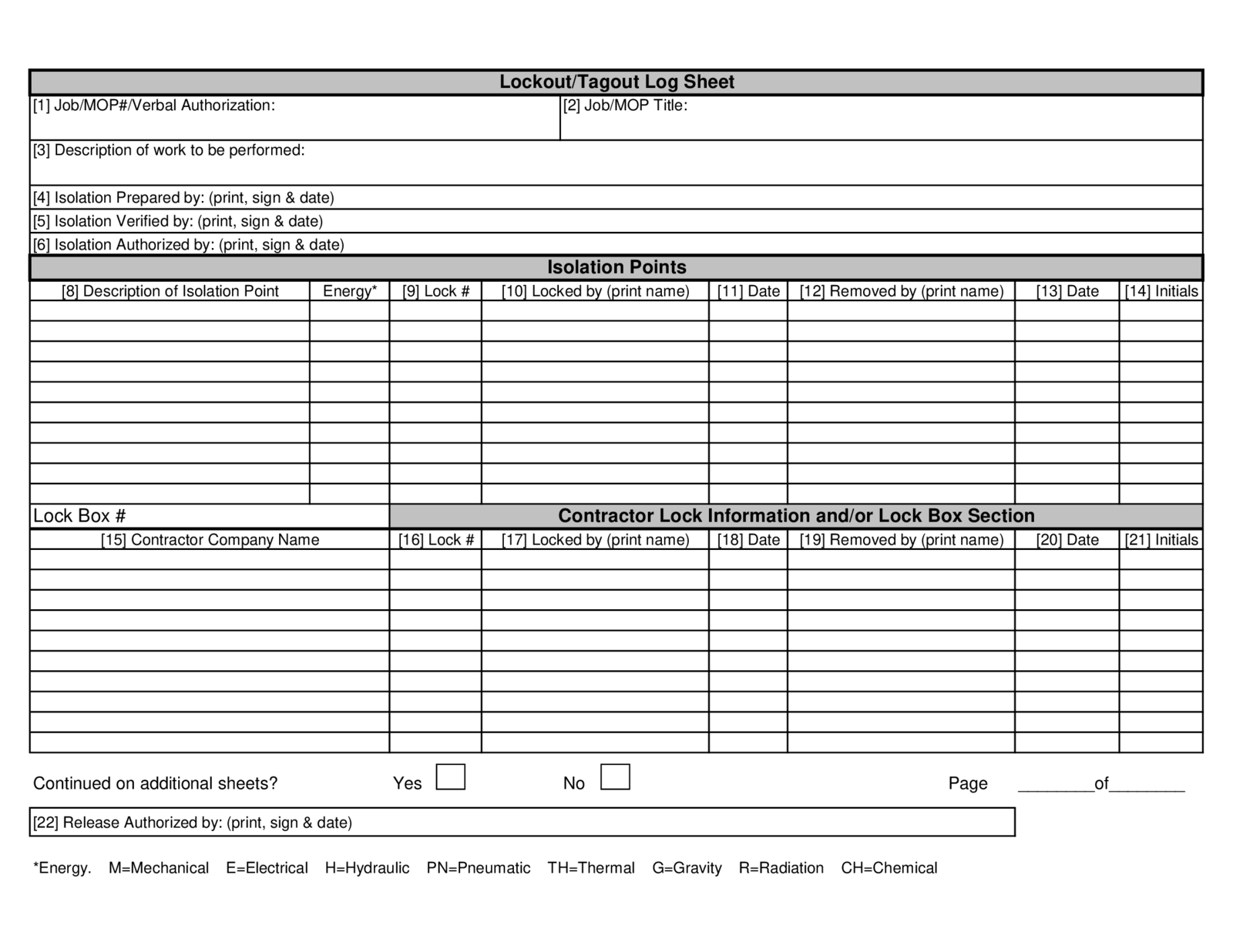
The form serves as both a checklist and a legal record. It documents:
- The equipment being serviced
- Type of energy sources (electrical, hydraulic, pneumatic, chemical, thermal)
- Who applied the lock and tag
- Date and time of lockout
- Reason for lockout
- Verification that zero energy state is achieved
Unlike a generic work permit, the LOTO form is specific, traceable, and non-transferable. Only the authorized employee who applied the lock can remove it.
Real-World Example: Preventing a Near-Miss
In a packaging facility, a motor on a filling machine overheated. A technician was called. Instead of following protocol, he bypassed the lockout, assuming the machine was off because it wasn’t running.
He removed a panel. Another worker, unaware of his presence, switched the machine to test mode. The motor engaged—missed the technician by inches.
An investigation revealed no LOTO form was filled. No lock was placed. No tag was visible.
After mandatory retraining and a revised form implementation, such incidents dropped to zero over the next 18 months.
Why the Form Matters More Than Just Compliance
Compliance is the baseline. But smart organizations treat the LOTO form as a behavioral anchor—a ritual that reinforces safety culture.
Consider these outcomes when the form is used correctly:
- Clear accountability: Every step is signed and dated.
- Reduced miscommunication: Tags warn others not to energize equipment.
- Procedural consistency: Ensures no energy source is overlooked.
- Audit readiness: Provides documentation for OSHA inspections.
Without it, you’re relying on memory, assumptions, and goodwill—three things that fail under stress.
Common Mistakes That Undermine LOTO Forms
Even companies with forms in place often fail in execution. These mistakes are shockingly common:

- Using the same lock for multiple employees – violates the “one person, one lock” rule.
- Failing to isolate all energy sources – e.g., forgetting residual pressure in a hydraulic line.
- Leaving tags blank or incomplete – renders the form useless in an audit.
- Allowing untrained workers to bypass lockout – often under production pressure.
- Not verifying zero energy state – assuming “off” means “safe.”
These aren’t just oversights. They’re systemic failures masked as shortcuts.
Anatomy of an Effective Lockout Tag Out Form
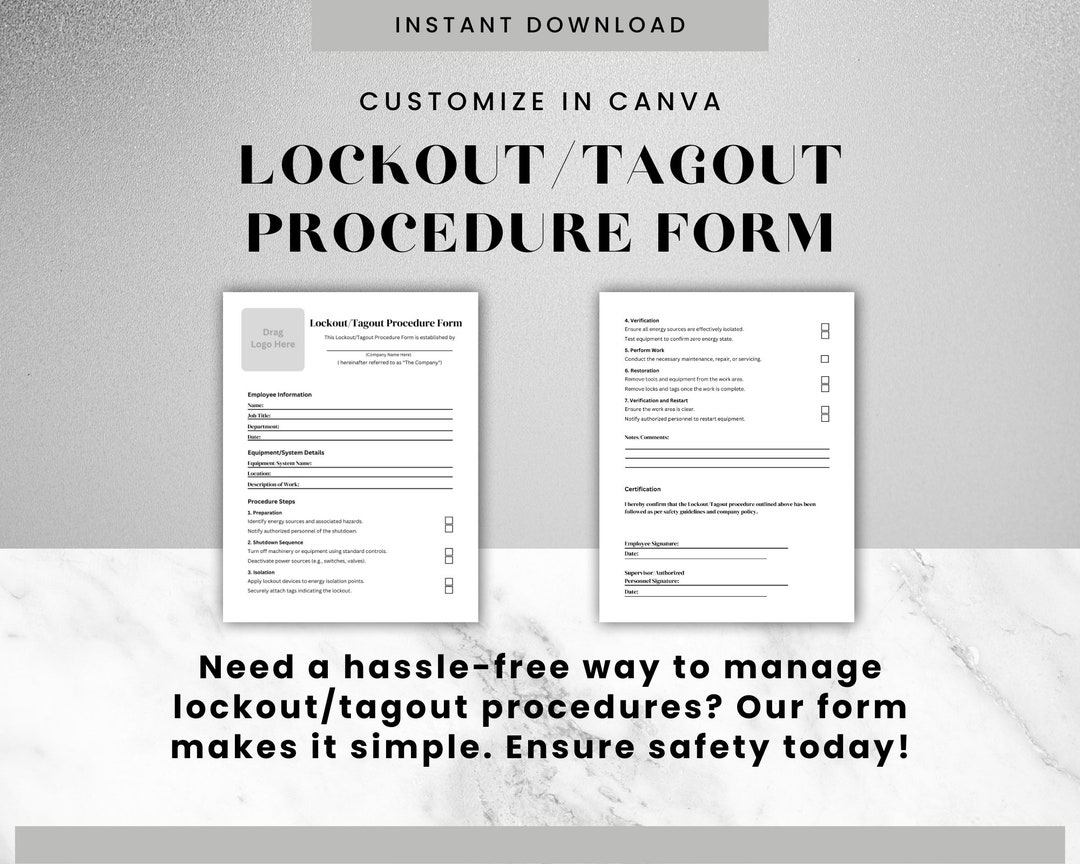
A good LOTO form isn’t just a piece of paper. It’s a functional tool designed for clarity and enforcement.
Here’s what a high-impact form includes:
| Section | Purpose |
|---|---|
| Equipment ID | Exact name, serial number, location |
| Energy Sources | List all (electrical, pneumatic, etc.) with isolation points |
| Authorized Employee | Name, ID, signature |
| Lock/Tag Number | Unique identifier for tracking |
| Date & Time | Start and expected end of lockout |
| Isolation Steps | Step-by-step shutdown and isolation actions |
| Verification Method | How zero energy was confirmed (e.g., voltmeter test) |
| Supervisor Approval | Secondary review before work begins |
| Clearance & Restart | Sign-off before re-energizing |
Pro Tip: Use Visual Aids
Smart facilities add equipment diagrams directly on the form or as an attachment. A visual map showing lock points—a red dot for electrical cutoff, a blue for hydraulic valve—reduces errors by up to 60%, according to NIOSH field studies.
Color-coded tags (red for electrical, yellow for mechanical) also improve recognition.
When to Use a LOTO Form: Scenarios You Can’t Ignore
The rule is simple: if energy could unexpectedly release and cause harm, a LOTO form is required.
Common triggers:
- Machine maintenance (lubrication, adjustment, repair)
- Cleaning internal components
- Replacing belts, blades, or motors
- Troubleshooting electrical issues
- Installing new equipment
Even brief tasks—like clearing a paper jam in an industrial printer—require full lockout if access to hazardous areas is needed.
Example: Conveyor System Maintenance
Scenario: A technician needs to realign a drive chain on a conveyor.
- Correct procedure:
- Notify all affected workers.
- Shut down the conveyor via control panel.
- Isolate main power at the breaker.
- Lock out the breaker with personal lock.
- Tag with name, time, and reason.
- Bleed residual pressure from pneumatic lines.
- Test for zero energy by trying to restart (safely).
- Fill out LOTO form—every field.
- Begin work.
- After completion, remove lock only by the original employee.
Skip step 5 or 8? You’re gambling with safety.
Digital vs. Paper LOTO Forms: What Works Better? Many companies still use paper forms. They’re cheap, familiar, and don’t require tech. But they come with major drawbacks:
- Easy to lose or misfile
- No real-time visibility
- Prone to handwriting errors
- Hard to audit
Digital LOTO systems—via tablets or mobile apps—are gaining ground. They offer:
- Cloud storage and instant retrieval
- Mandatory fields (can’t skip)
- GPS timestamping
- Integration with maintenance software
- Escalation alerts if lockout exceeds time window
Real-World Shift: Automotive Plant Case Study
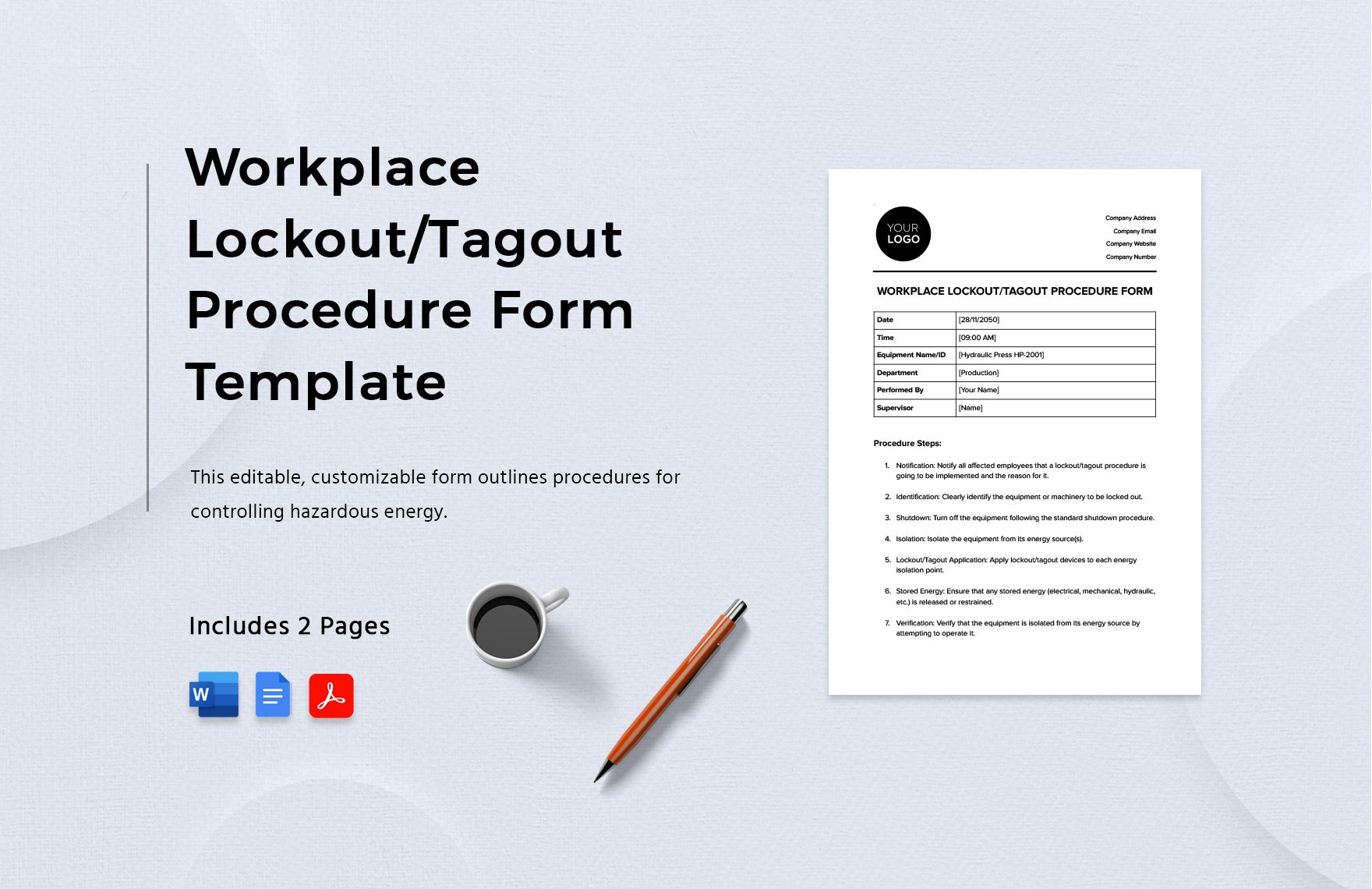
A Midwest auto parts plant switched from paper to digital LOTO forms in 2022. Within a year: - Compliance rates rose from 74% to 98% - Average form completion time dropped by 30% - OSHA incident reports fell by 41%
The investment paid for itself in less than 14 months when factoring in reduced downtime and fewer citations.
Still, digital isn’t mandatory. What matters is consistency and accuracy, regardless of format.
5 Top Tools for Managing Lockout Tag Out Procedures
While the form is central, supporting tools amplify effectiveness:
| Tool | Key Features | Best For |
|---|---|---|
| Lockout Hub | Digital LOTO workflows, mobile access, reporting | Mid to large manufacturers |
| Facilio | CMMS-integrated lockout tracking, audit trails | Facilities with existing maintenance systems |
| iAuditor (by SafetyCulture) | Custom LOTO checklists, photo uploads, offline use | Field teams and auditors |
| Permit to Work (PTW) by SAP | Enterprise-level safety workflows, integration with SAP EHS | Large industrial operations |
| SafeSite Check In | Real-time status tracking, geofenced alerts | Multi-site organizations |
Choose based on scale, integration needs, and user experience—not just price.
How to Train Teams on LOTO Form Use
Training isn’t a one-time event. OSHA requires initial and annual retraining, plus refreshers after incidents or procedure changes.
Effective training includes:
- Hands-on lockout drills
- Walkthroughs of actual forms
- Role-playing scenarios
- Shadowing experienced workers
One steel mill improved retention by replacing PowerPoint sessions with simulated lockout scenarios. Workers had to complete a mock form, apply locks, and verify isolation—under time pressure.
Result? A 67% reduction in procedural errors during real maintenance.
Key Skill: Recognizing Stored Energy
Many injuries stem from unreleased stored energy—springs under tension, capacitors holding charge, elevated loads.
Training must emphasize: - How to identify hidden energy sources - Proper bleed-off procedures - Use of tools like lockable bleed valves or grounding sticks
Making the LOTO Form Part of Your Safety DNA
The best companies don’t treat the LOTO form as a compliance chore. They embed it into daily rhythm.
Examples: - Morning safety huddles include a review of active lockouts. - Forms are posted near equipment with QR codes linking to procedures. - Supervisors audit 10% of completed forms weekly. - Workers are rewarded for catching LOTO violations.
Culture shift starts with leadership. When managers fill out forms themselves—even for minor tasks—they signal that safety isn’t optional.
Final Step: Own the Process, Prevent the Accident
A lockout tag out form is more than a document. It’s a promise: I will not assume. I will not rush. I will not compromise.
Whether you use paper or digital, the outcome depends on one thing—discipline.
Start today: - Audit your current LOTO forms. - Verify every field is necessary and clear. - Train your team with real scenarios. - Enforce zero tolerance for bypassing the process.
Because the next person who reaches into a machine might be you.
FAQ
What should you look for in Lockout Tag Out Form: The Essential Safety Checklist? Focus on relevance, practical value, and how well the solution matches real user intent.
Is Lockout Tag Out Form: The Essential Safety Checklist suitable for beginners? That depends on the workflow, but a clear step-by-step approach usually makes it easier to start.
How do you compare options around Lockout Tag Out Form: The Essential Safety Checklist? Compare features, trust signals, limitations, pricing, and ease of implementation.
What mistakes should you avoid? Avoid generic choices, weak validation, and decisions based only on marketing claims.
What is the next best step? Shortlist the most relevant options, validate them quickly, and refine from real-world results.